
Features
WordPress competition plugin features for running your site.
Plan, launch and run a competition website in WordPress with tools for entries, instant wins, prize costs, winner claims, approved results and promotion.
See inside the RaffleWP admin
Explore 26 real screenshots of the RaffleWP dashboard and WooCommerce raffle product settings. See the tools you will use to configure entries, manage prizes and shape your competition website.
Open a category below, then select any image to see it full size. Captured in RaffleWP 1.5.1 using demonstration settings and test records. Separately installed addons have their own settings.
Competition dashboard
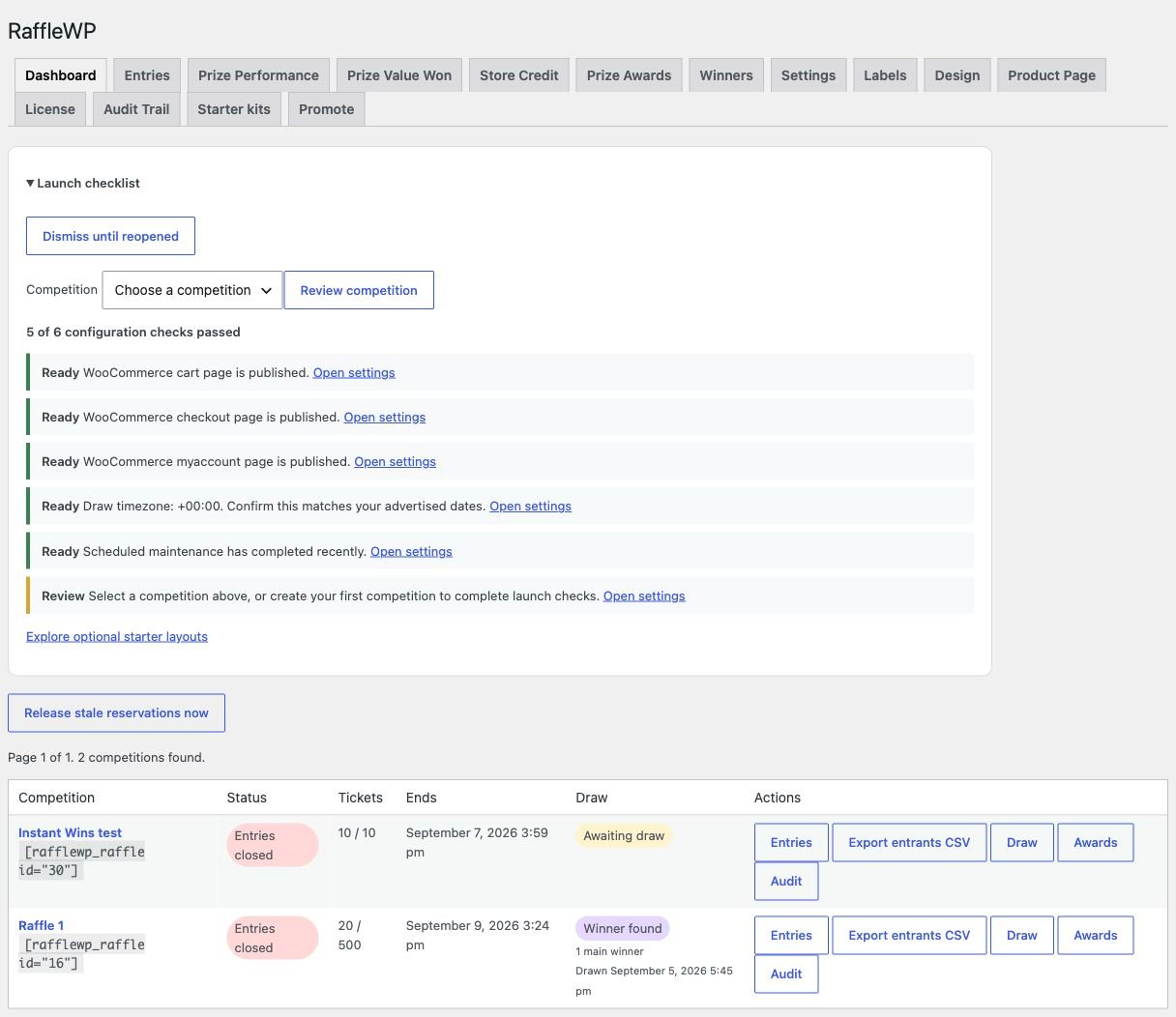
Fixed bundle pricing settings
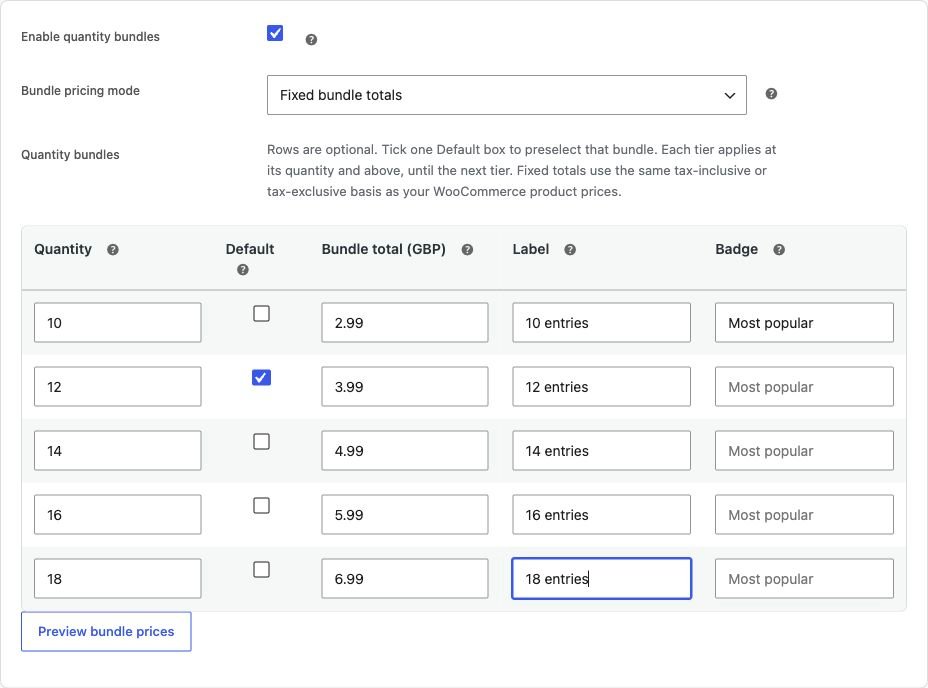
Dashboard, entries, prizes and winners — 8 screenshots
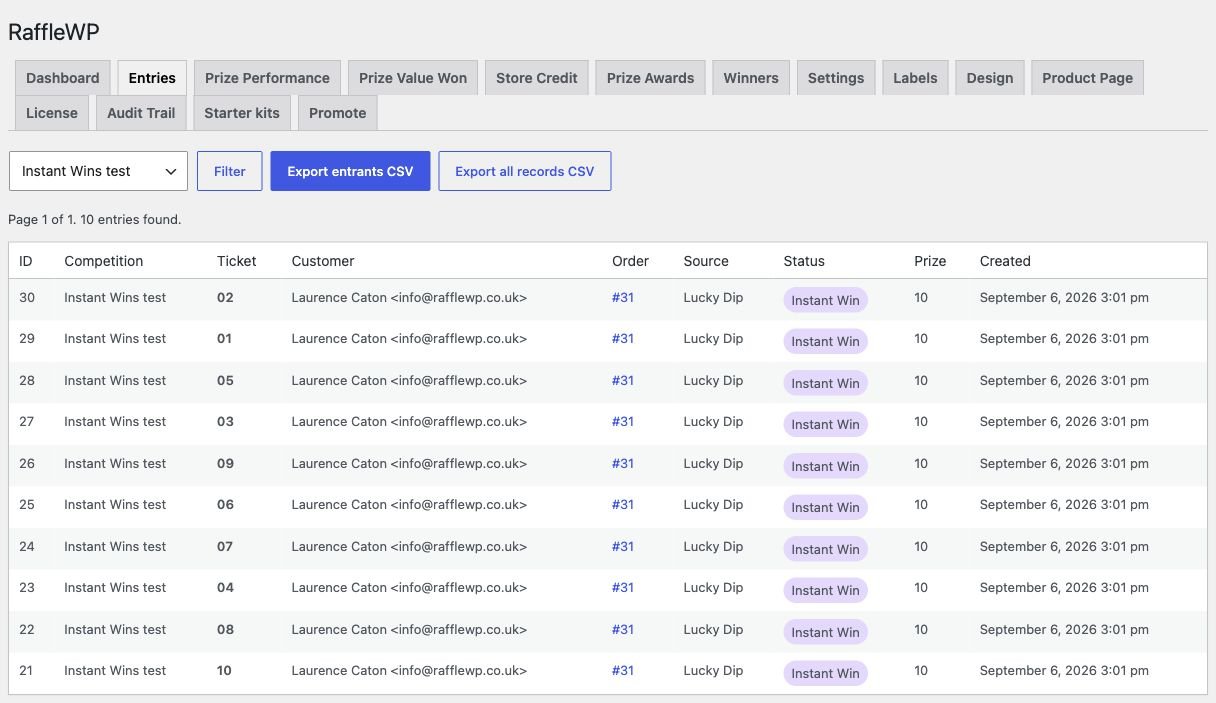
Entry records and exports
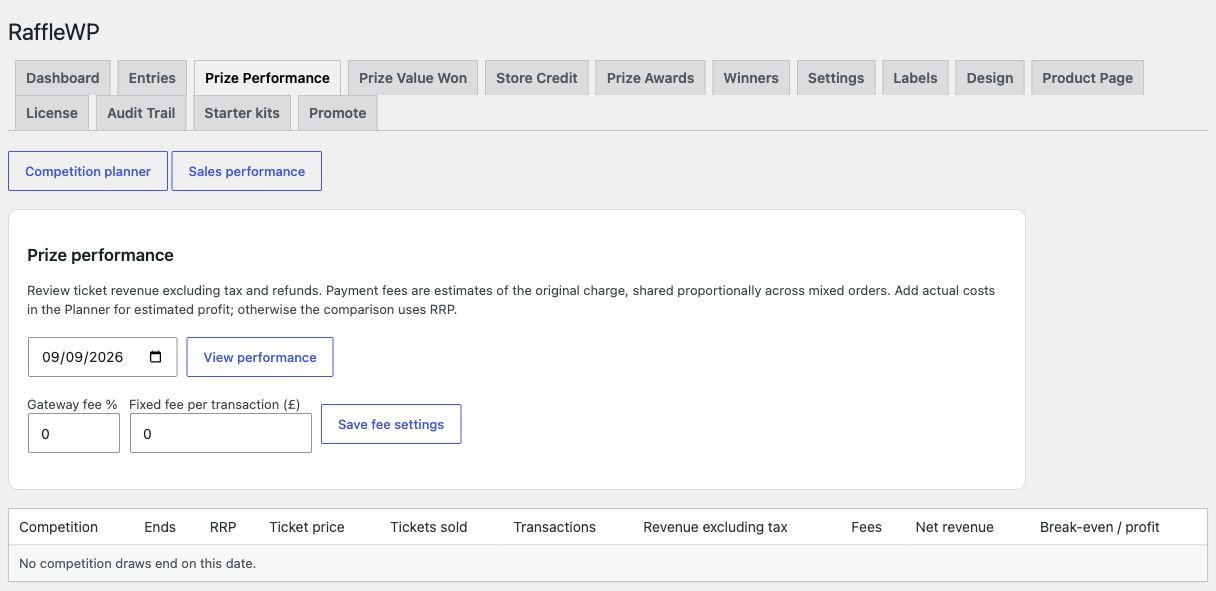
Sales performance reporting
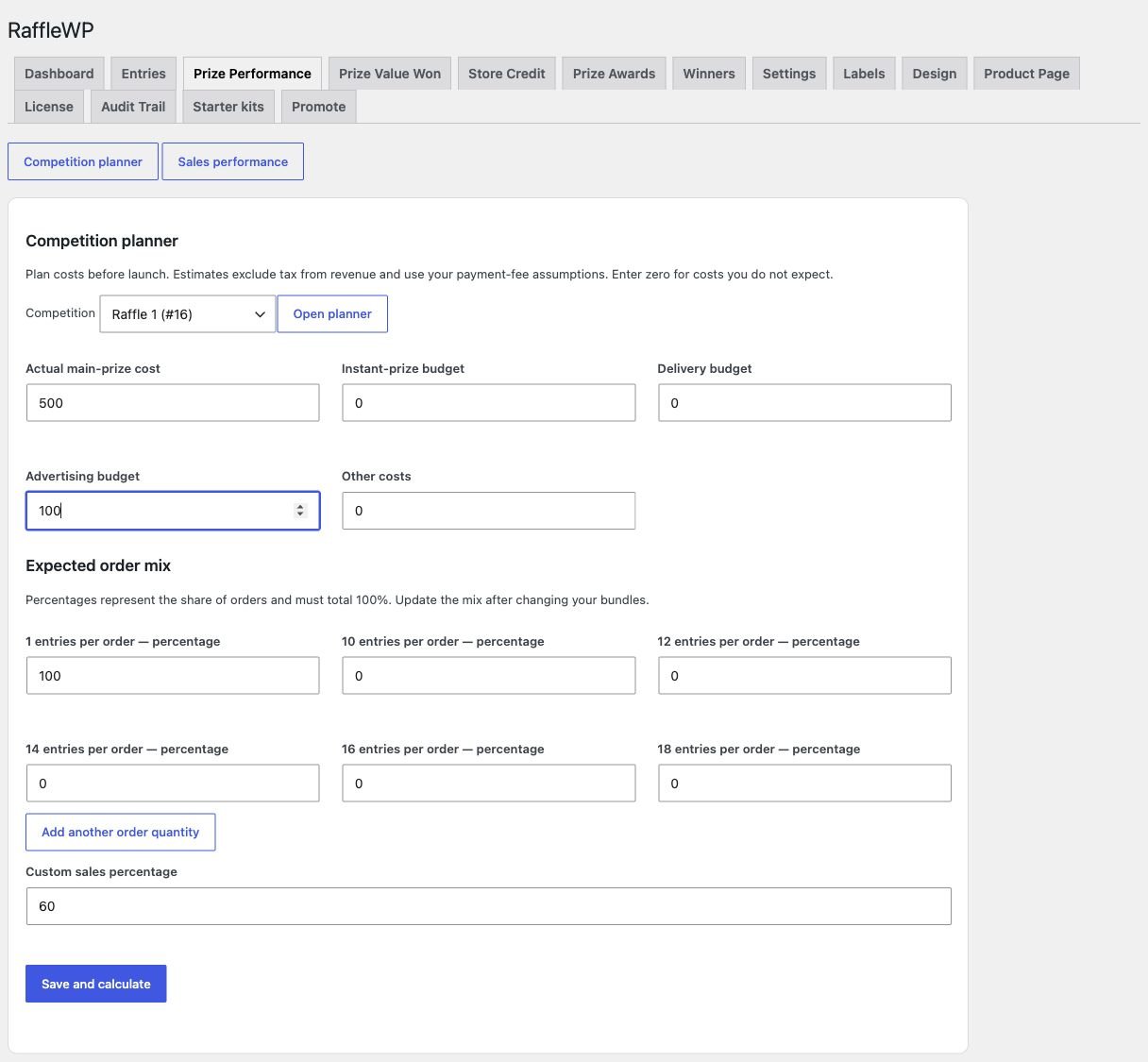
Competition cost planner
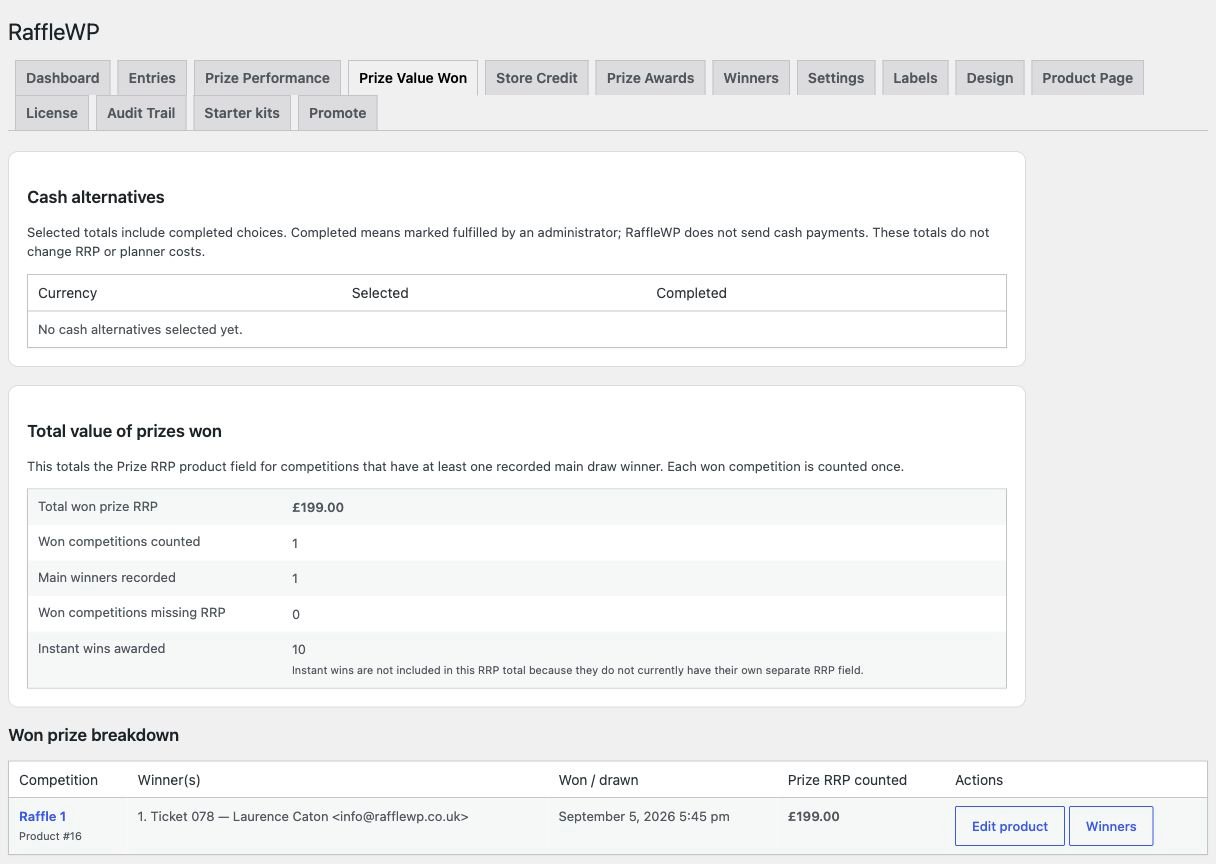
Prize value and cash-alternative reporting
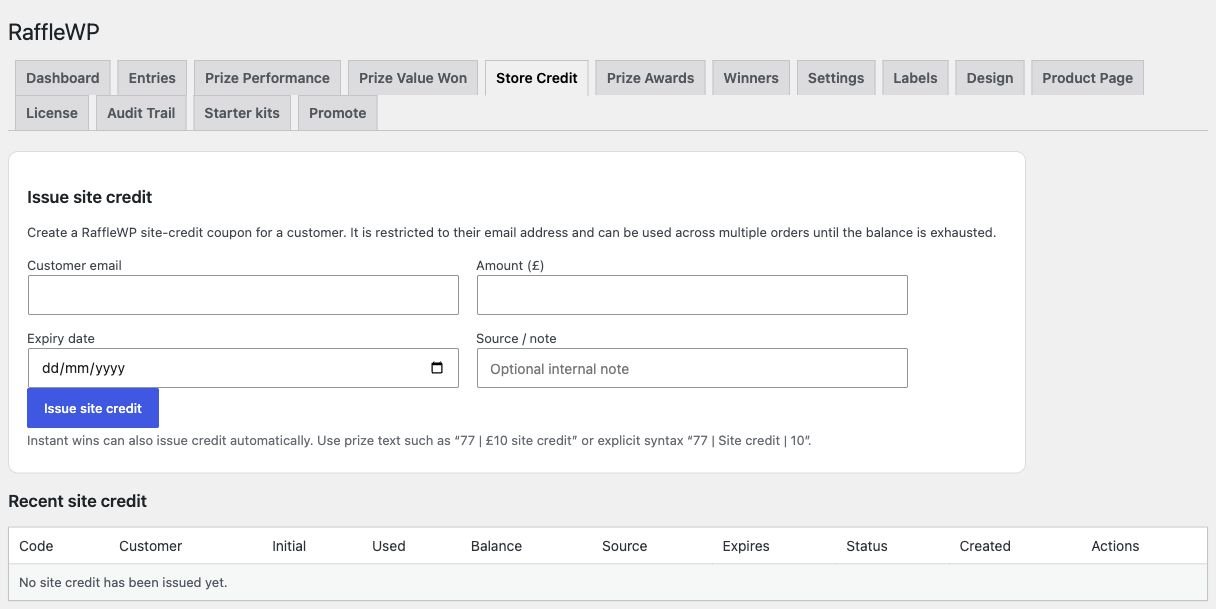
Site-credit controls
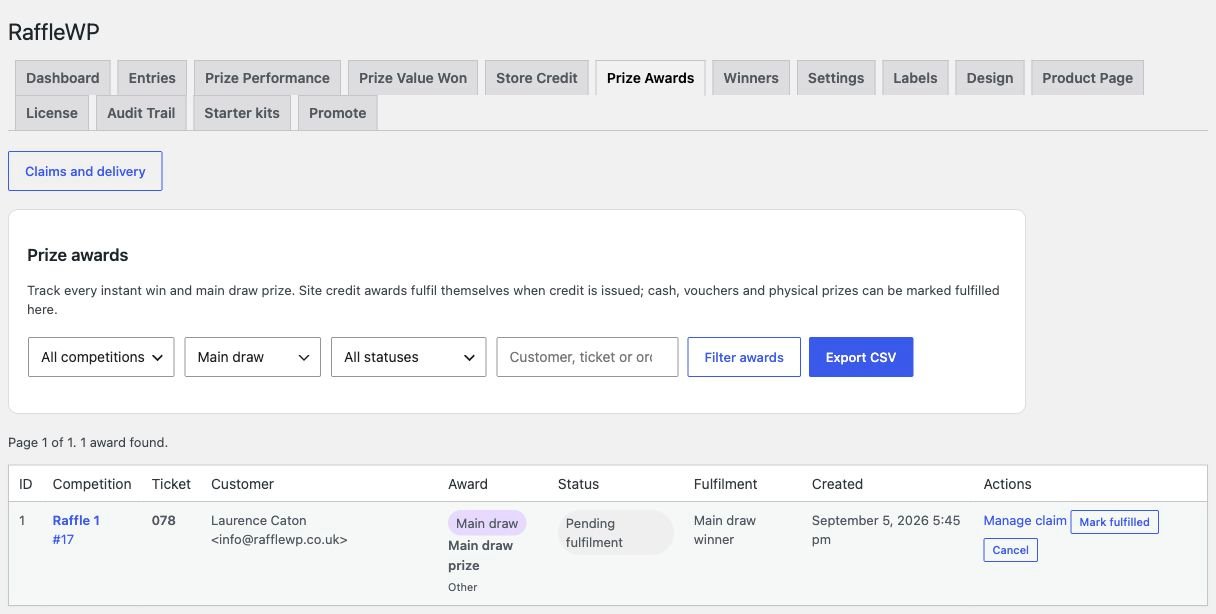
Prize awards and fulfilment
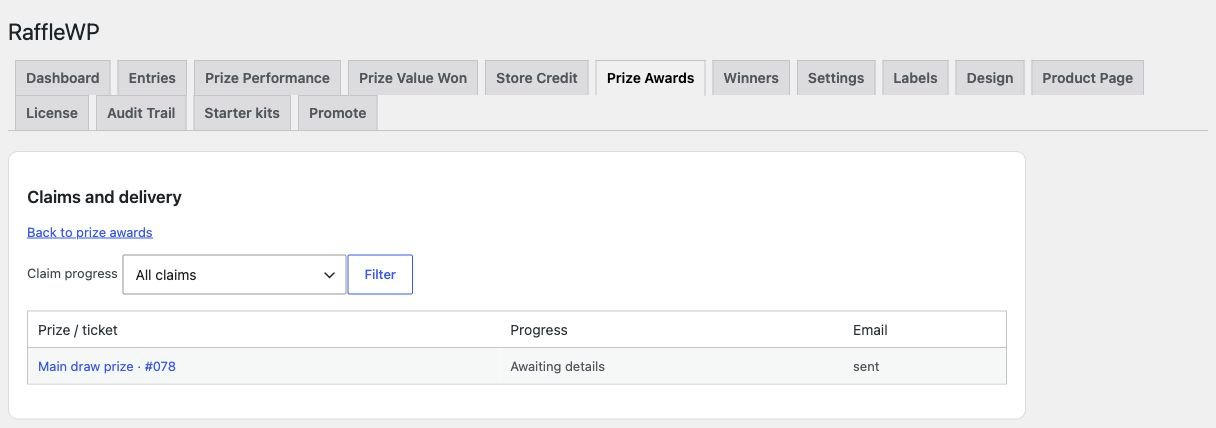
Private claims and delivery progress
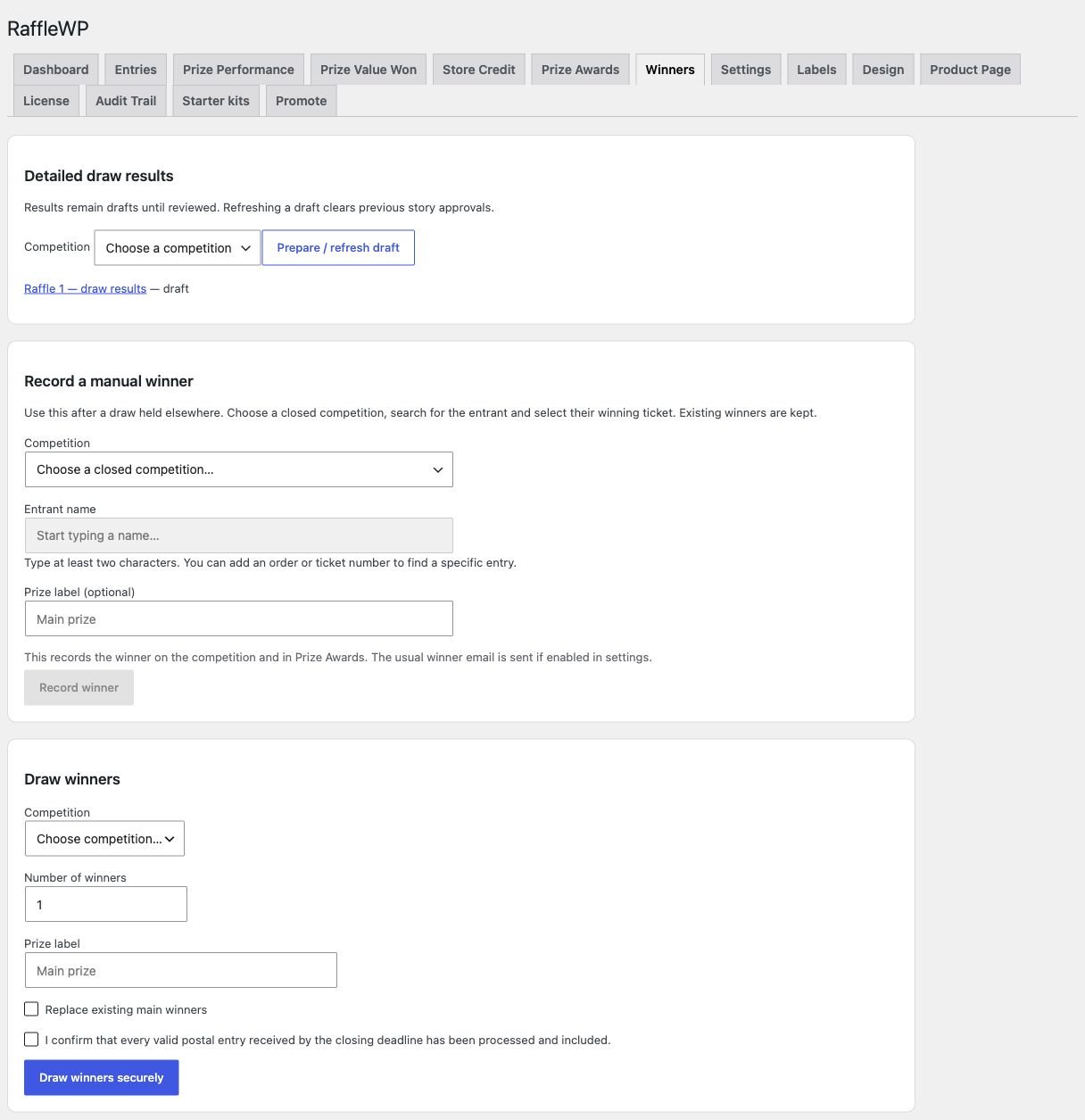
Winner recording and draw controls
Raffle product settings — 5 more screenshots
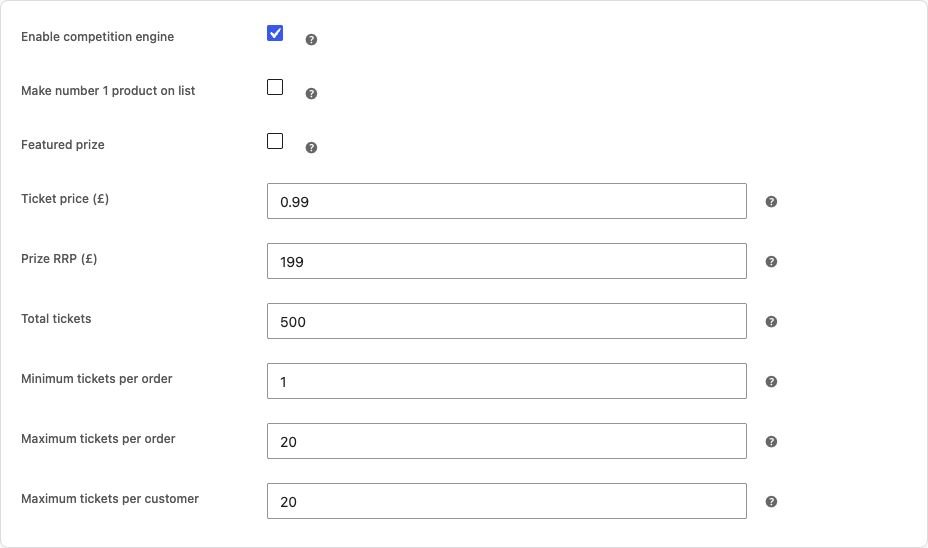
Ticket pricing and entry limits
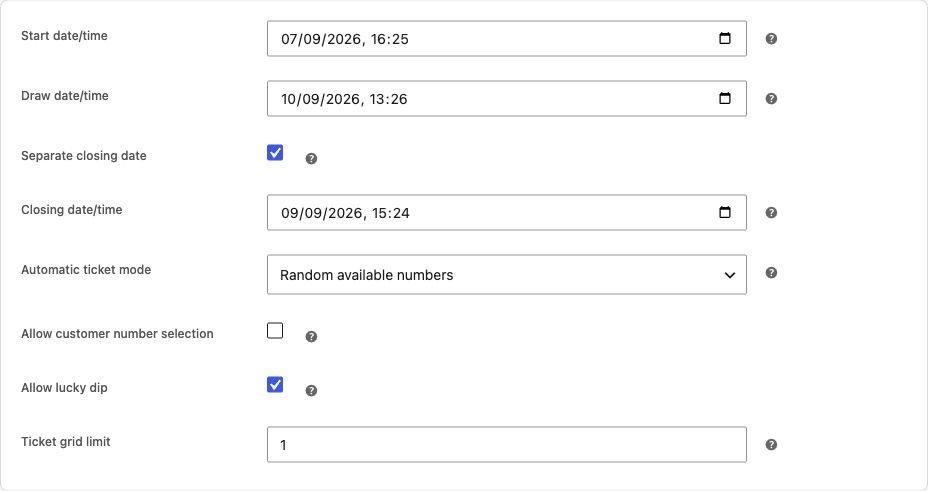
Dates and ticket-number allocation
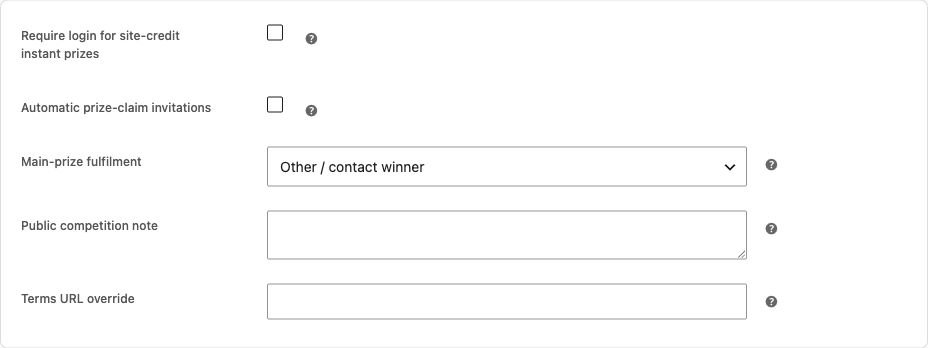
Claim invitations, fulfilment and terms
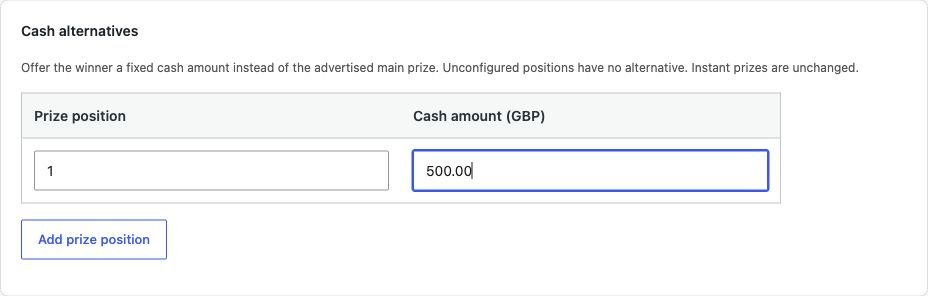
Main-prize cash-alternative setup
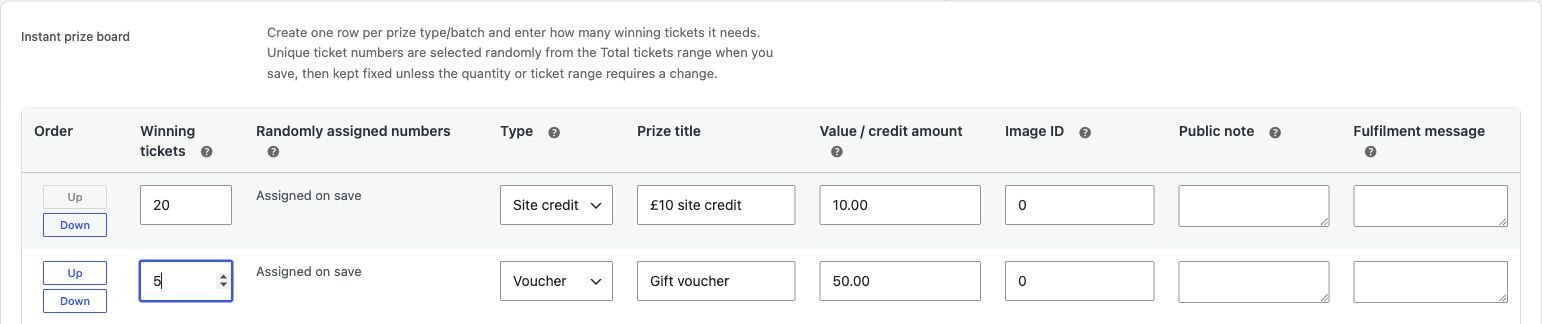
Instant-prize board configuration
Website design, labels and layouts — 6 screenshots
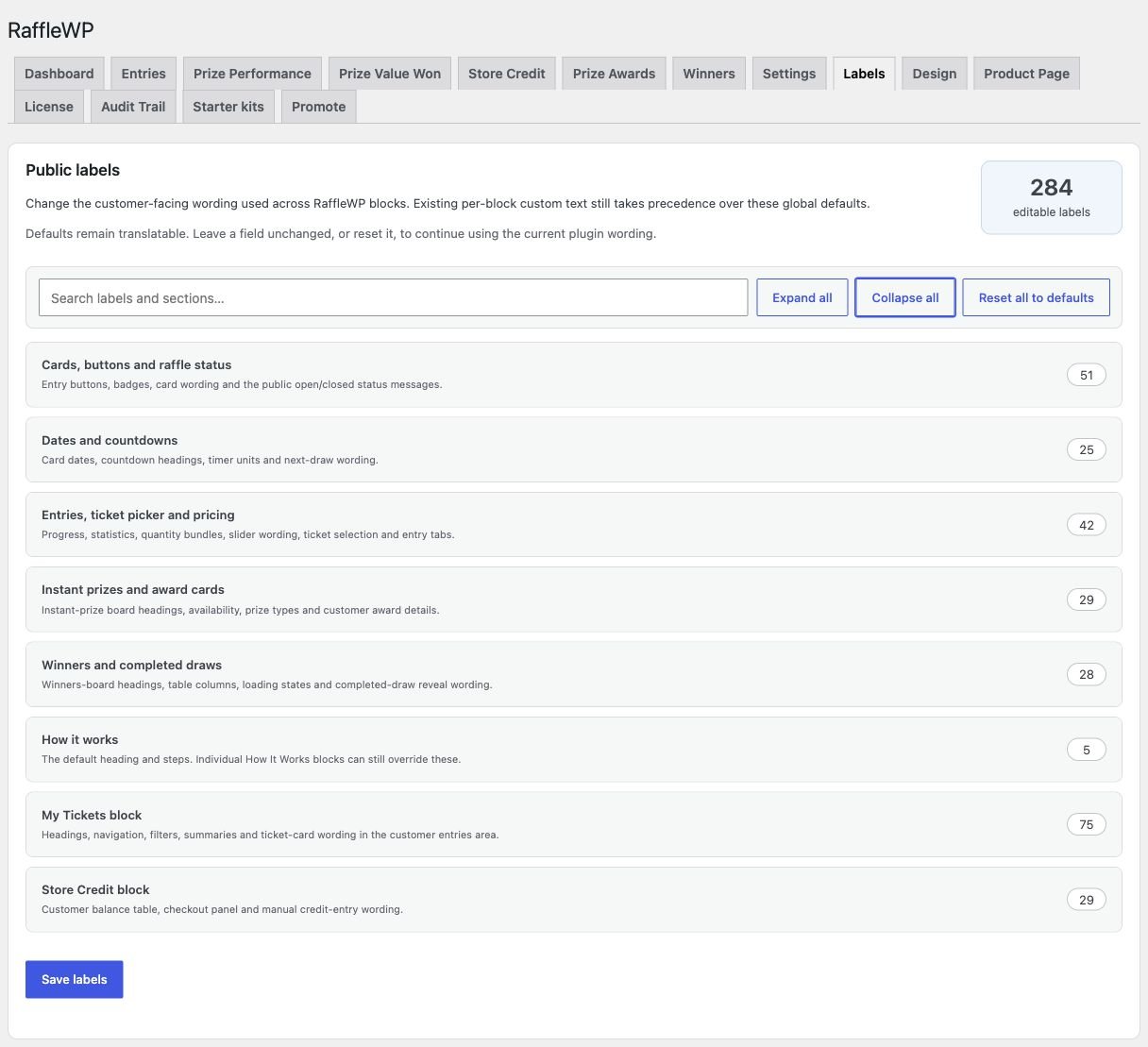
Customer-facing wording controls
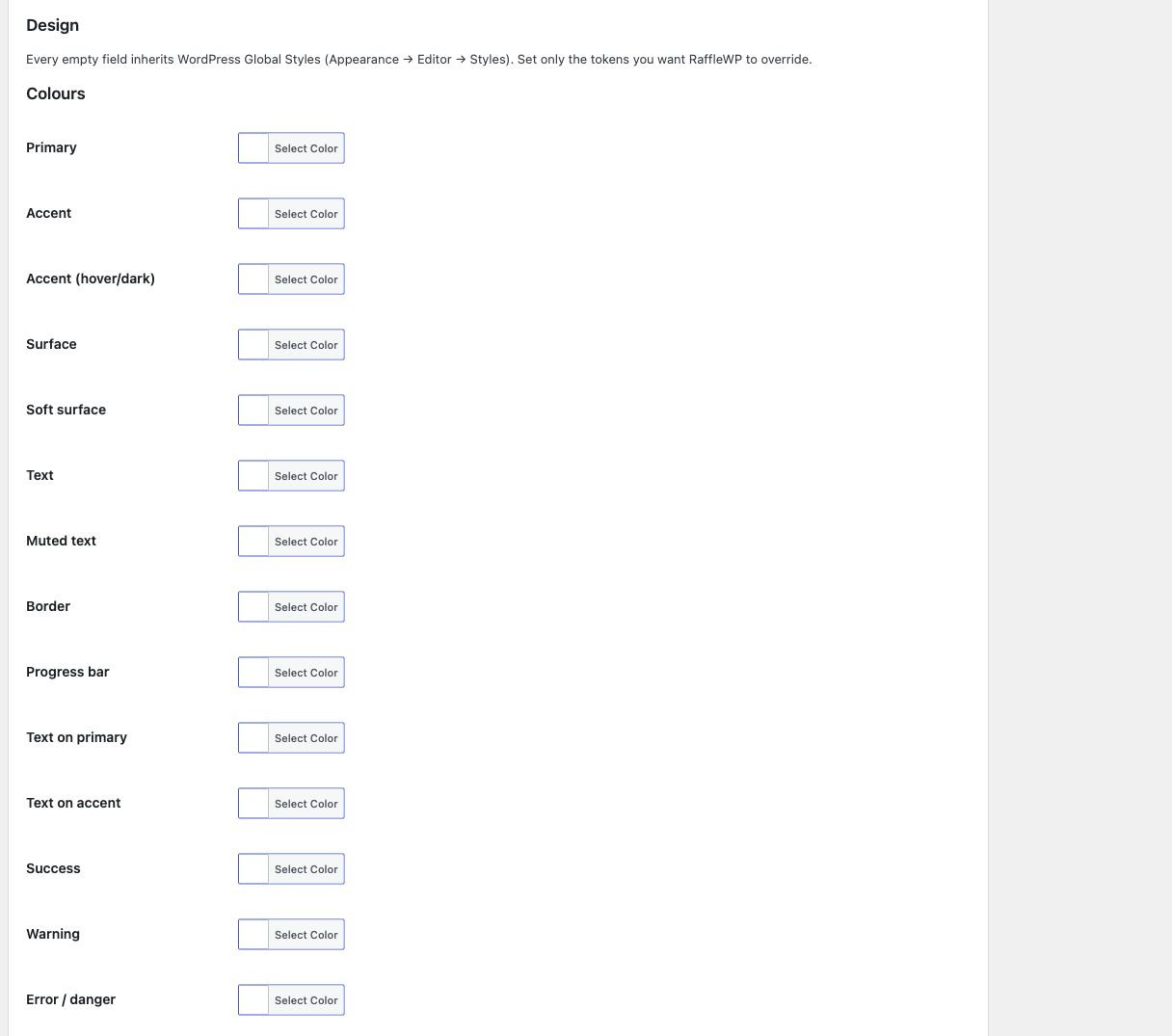
Brand colour controls
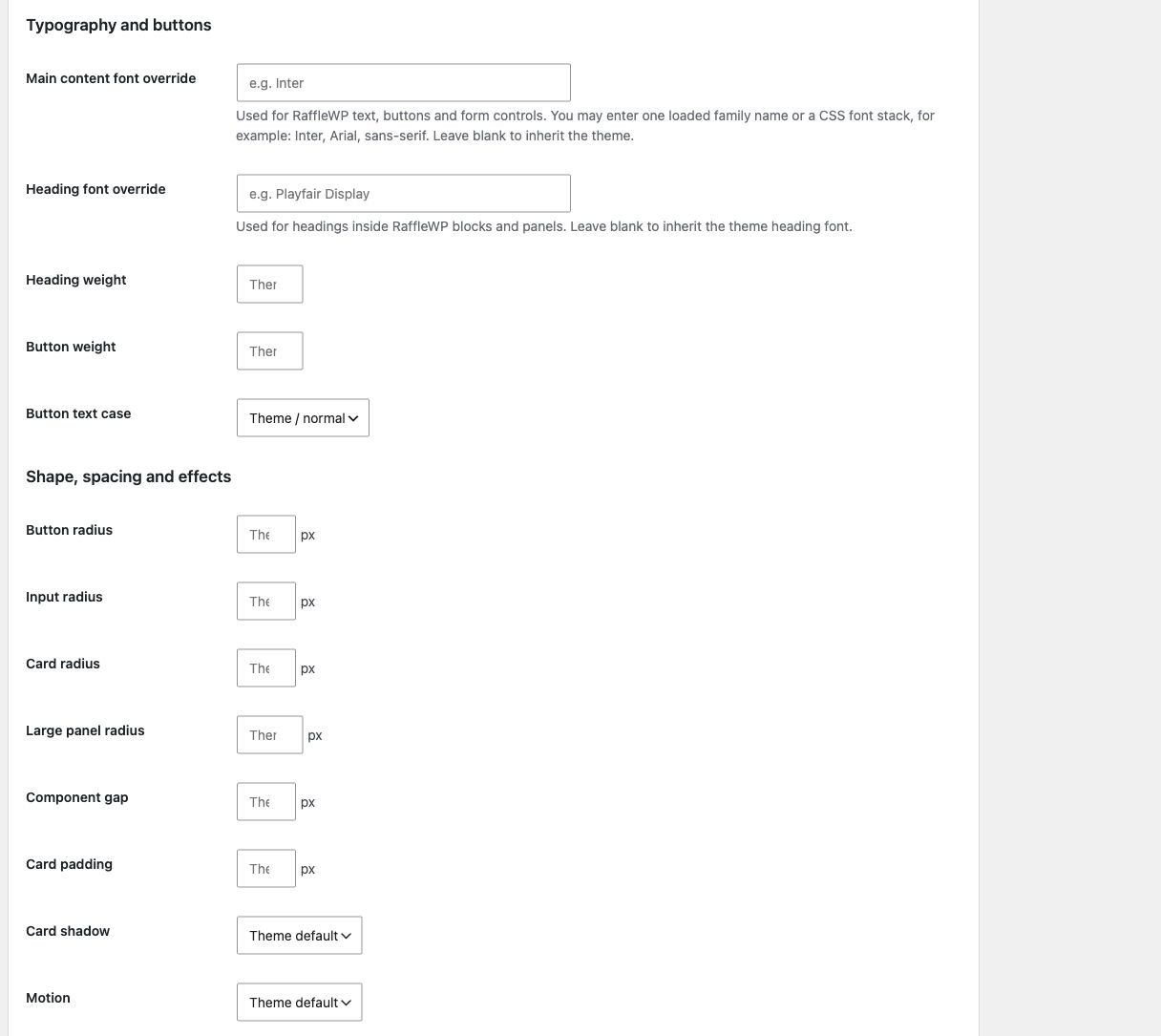
Typography, spacing and shapes
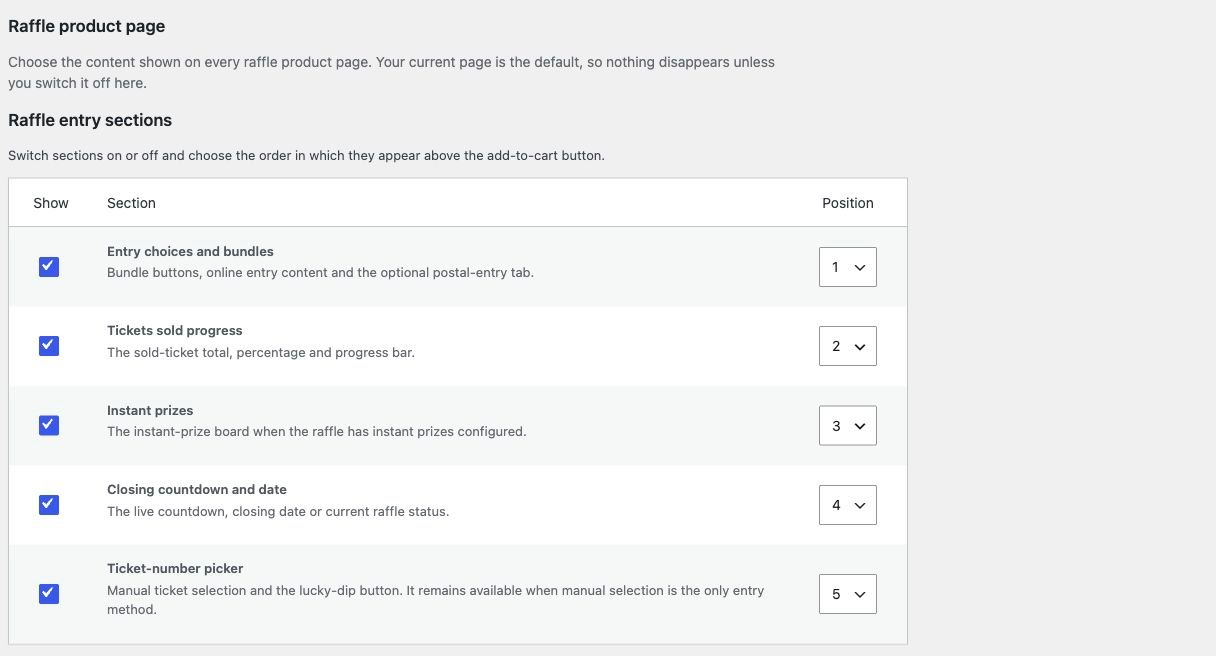
Raffle product-page section order
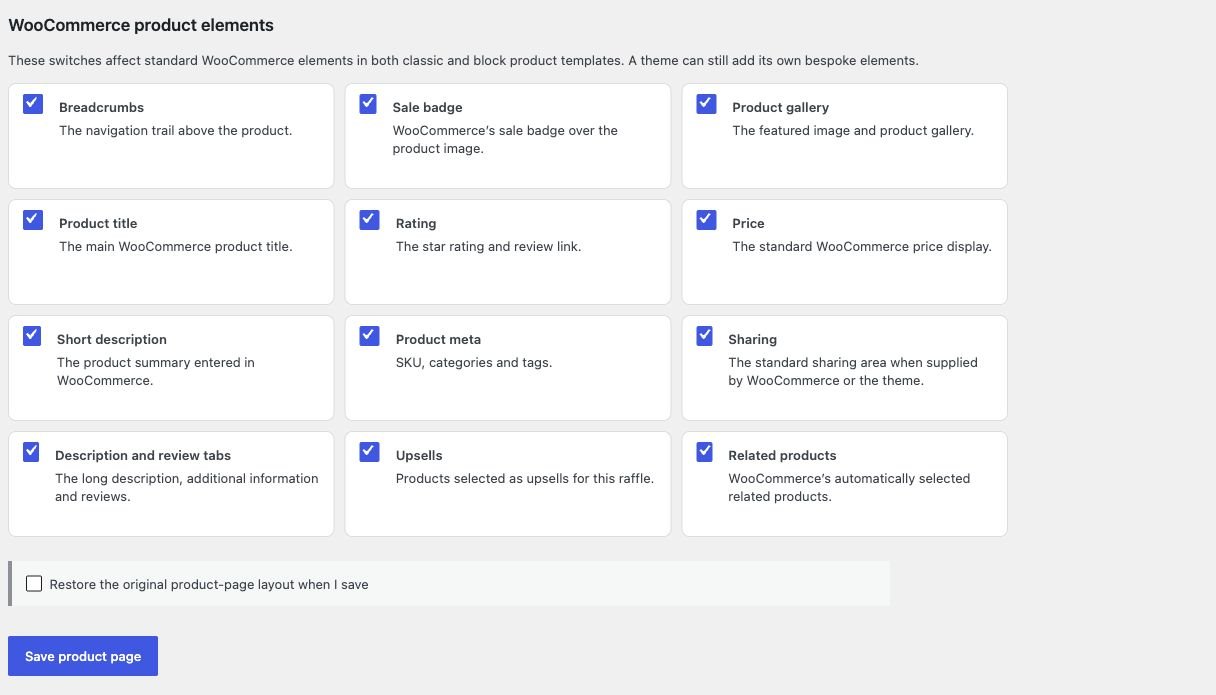
WooCommerce product elements
Clean and Bold layouts and reusable competitions
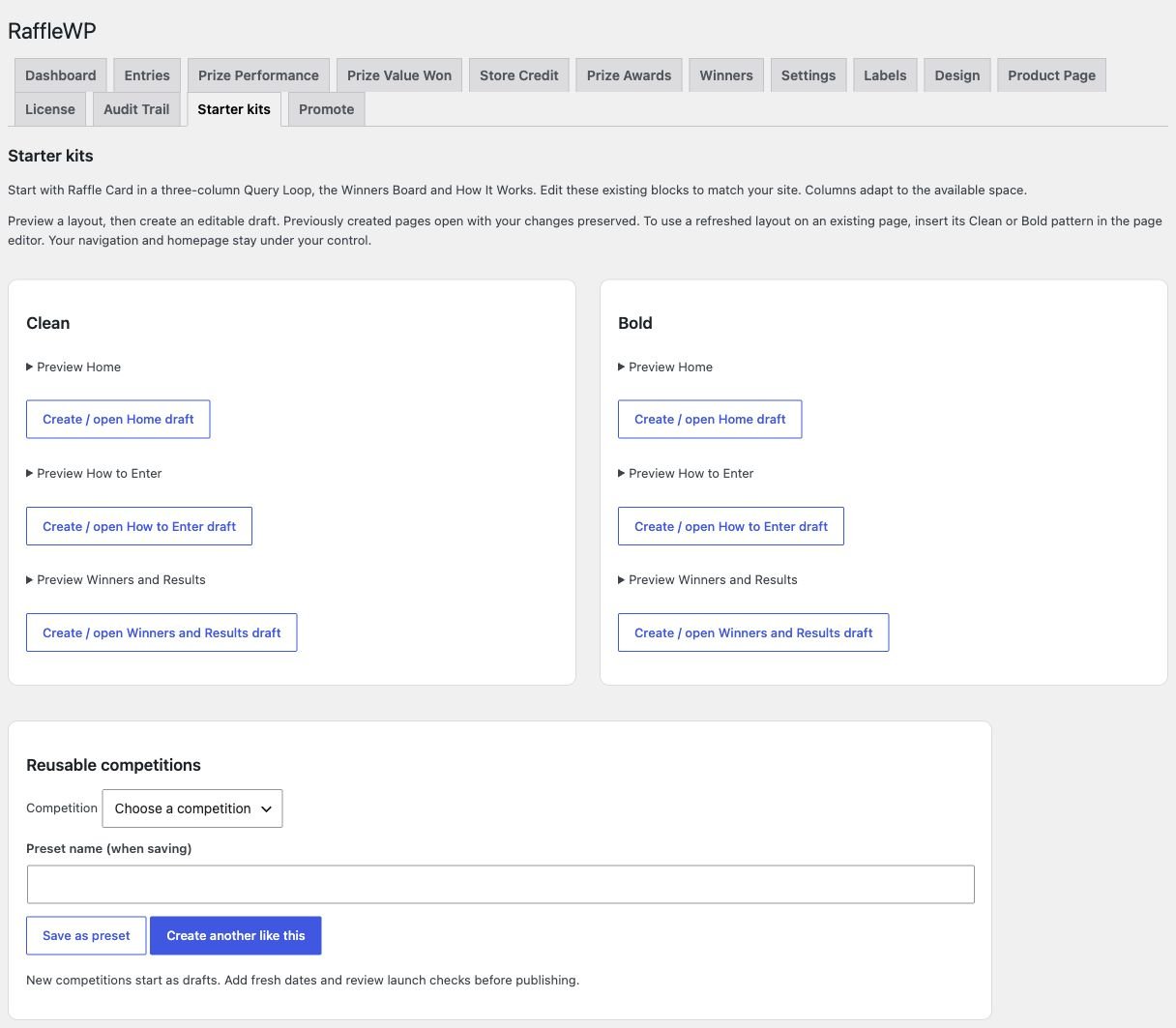
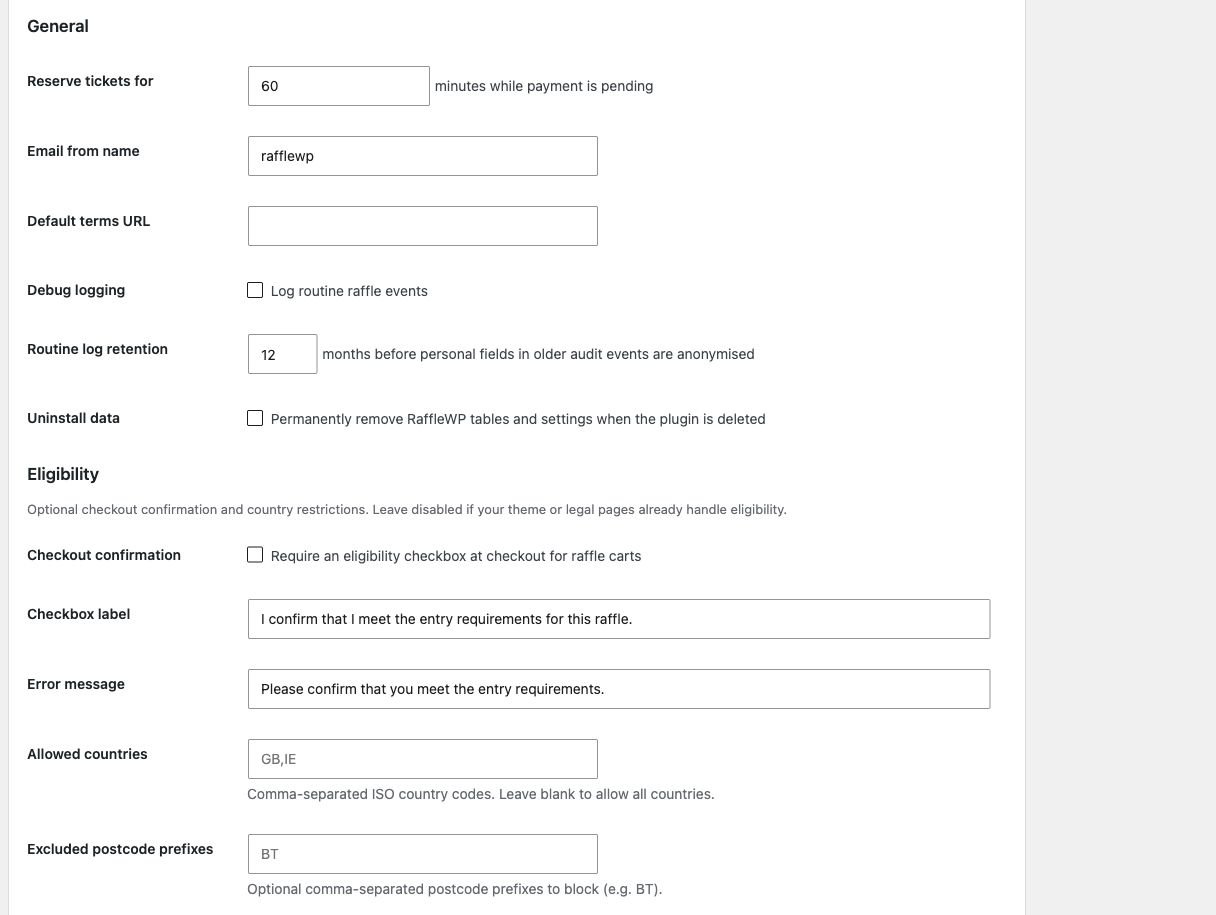
Site settings, audit and promotion — 5 screenshots
Reservations and eligibility
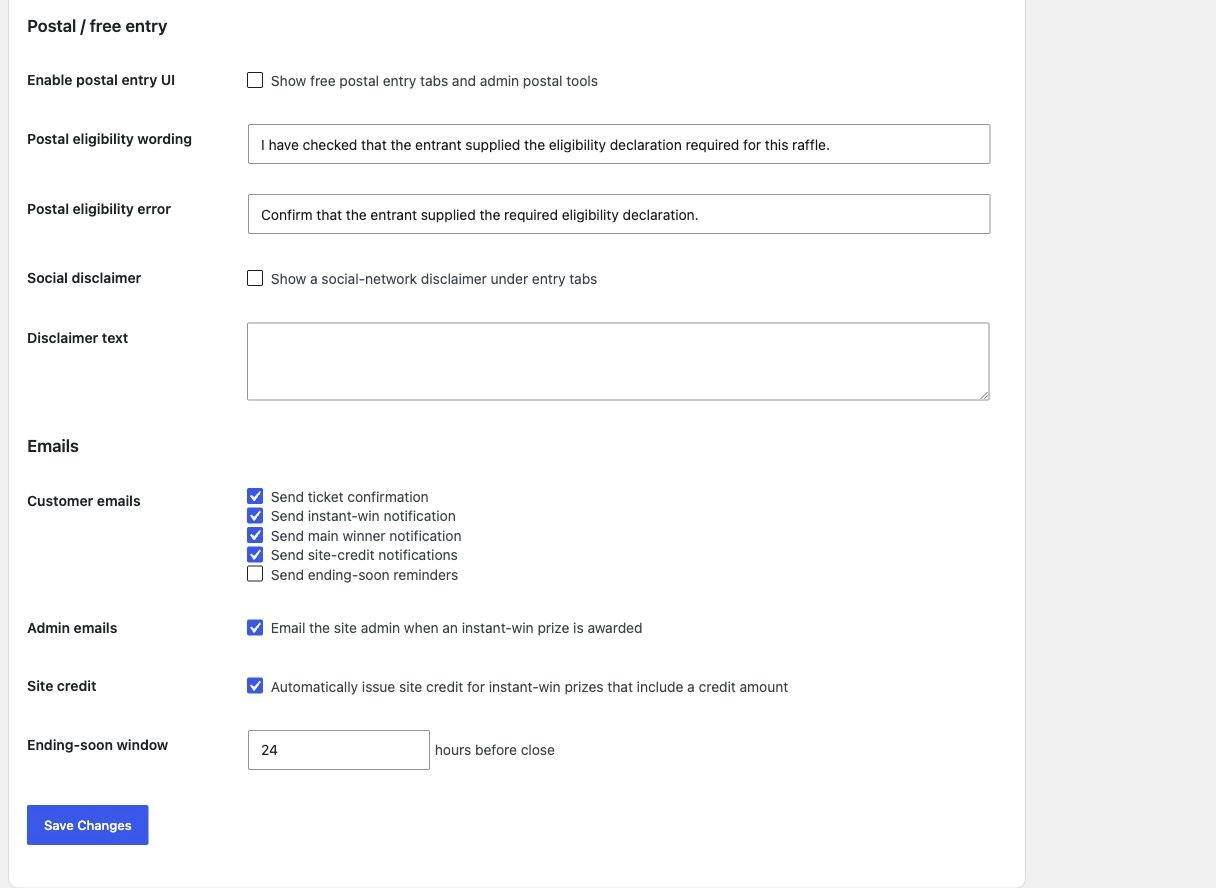
Postal entry and email settings
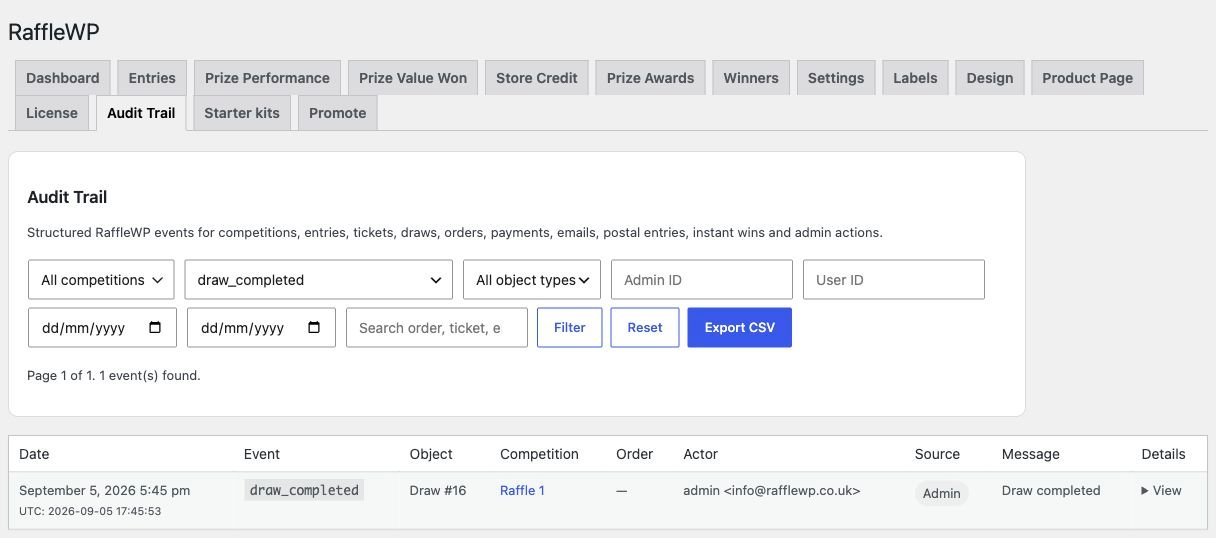
Searchable competition audit trail
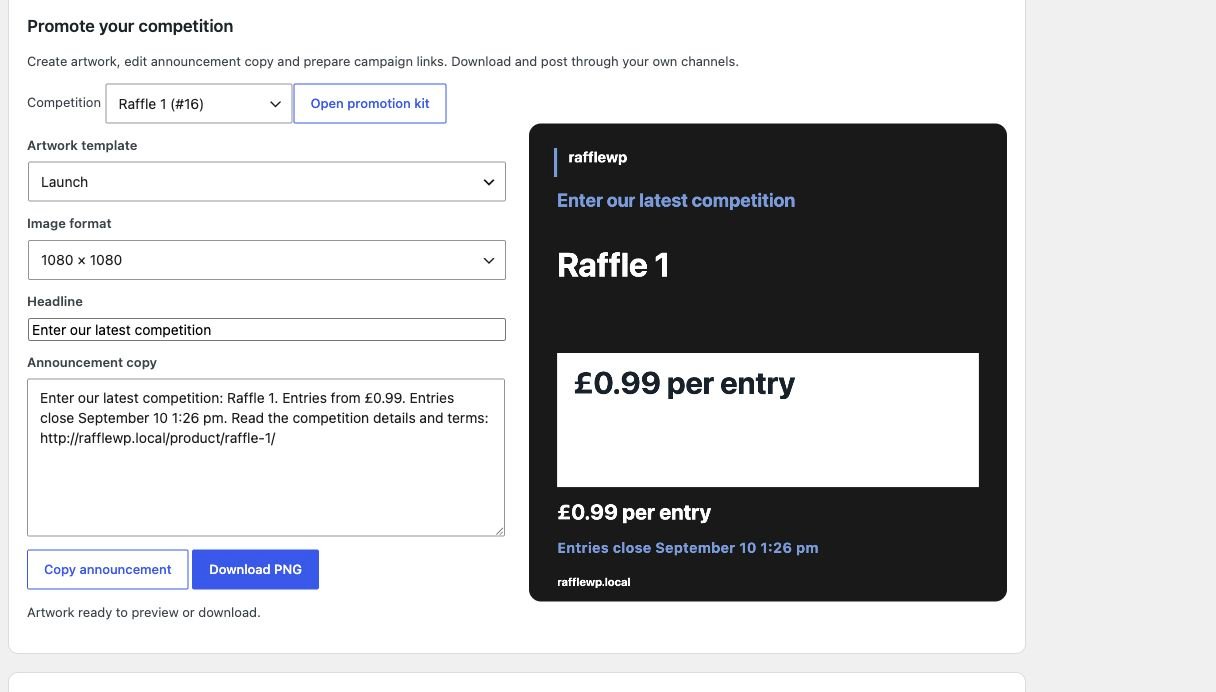
Launch, closing-soon and winner artwork
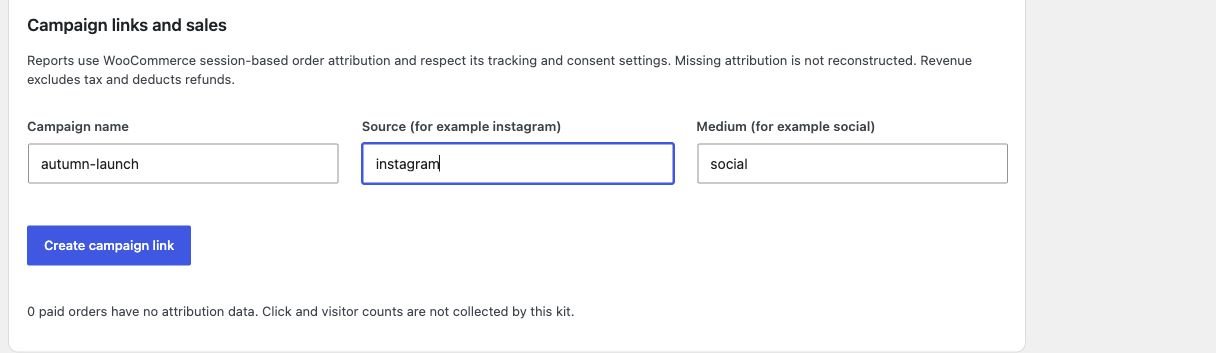
Campaign links and attribution
Want the workflow behind these screens? Explore ticket management, instant wins and winner management.
Everything needed to build and manage a competition website.
Competition products
Set ticket ranges, entry prices, opening times, closing dates and customer limits on a WooCommerce competition product. Offer bundles and leave time between entry closing and the main draw.
Reliable entry handling
Let customers select numbers or use Lucky Dip. Reserve availability during checkout, confirm tickets through the order workflow and show the resulting records to customers.
Instant wins
Configure prize boards and connect confirmed tickets to awards. Issue eligible site credit automatically and add optional scratch reveals without changing the winning outcome.
Auditable winner draws
Review the entry pool, export entrants and use the built-in selector or record an external result. Main draws are administrator actions; closing entries does not select a winner automatically.
Free postal entries
Record eligible postal requests alongside paid entries, retain their source and include confirmed tickets in the competition. Postal entries are not counted as paid sales.
Flexible competition blocks
Build competition listings, entry panels, prize boards, winners and account views with native blocks. Use optional Clean or Bold starter layouts and supported shortcodes.
WooCommerce payments
Use your supported WooCommerce gateways, order statuses and customer checkout flow.
Operational control
Keep entries, awards and customer records connected. Use exports, private claims, audit records and fulfilment stages to review the work still needed.
From your first competition to fulfilled prizes.
Launch checklist
Check site setup and competition readiness, preview real pages at mobile, tablet and desktop sizes, and send sample emails. Confirm inbox receipt and a gateway test purchase before launch. Explore launch checks.
Competition cost planner
Enter actual prize and operating costs, model bundle mixes and compare sales scenarios. See estimated profit and the ticket sales needed to break even, including when the target is out of reach. See the cost planner.
Starter pages and presets
Preview Clean and Bold page packs and create only the drafts you need. Save competition presets or create another like an existing draw, with dates cleared and no copied entries or winners. Explore starter pages.
Winner claims and fulfilment
Invite winners to provide prize details through My Account or secure guest links. Track submitted details, physical-prize dispatch and completion. Cash payouts and voucher delivery stay manual. See prize claims.
Approved results and stories
Publish reviewed results with winning tickets, masked names, dates and an optional replay link. Add testimonials and photos with recorded consent and approval. Winner changes return detailed results to review. Explore public results.
Competition promotion kit
Prepare launch, closing-soon and approved-winner PNG artwork in square, portrait and story formats. Edit announcement copy, save campaign links and report attributed paid sales using WooCommerce data. Explore the promotion kit.
Built to help you launch your competition website.
- No-code setup inside WordPress
- WordPress-native competition workflow
- Straightforward competition configuration
- Easy day-to-day management
Keep your WordPress competition workflow in one place.
raffleWP brings the key admin tasks together so you can manage competitions, entries and winners without a patchwork of tools.
Built for WordPress.
raffleWP is designed to feel at home in WordPress — from Gutenberg blocks and patterns to familiar admin screens — so you can focus on building and running your competition website.
Give main-prize winners a clear choice
Main-prize cash alternatives
Advertise a fixed cash alternative before accepting entries, lock the offer and collect the winner’s explicit private choice. Track fulfilment while arranging the cash payment yourself.
Scratch reveals and automatic credit
Make instant-win results more engaging with the included, separately installed reveal addon. Automatic site credit follows the confirmed award and does not wait for scratching.
Four included addons
Explore Popup Maker, Prize Draw Reminders, Daily Spin and Instant Win Reveals. Every current licence includes the downloads; install the plugins you want to use.
Ready to build your competition website?
Choose your raffleWP licence and start building in WordPress.